
Your Step-by-Step Guide to Setting Up a Home Office Network in Auckland


Planning Your Home Office Network
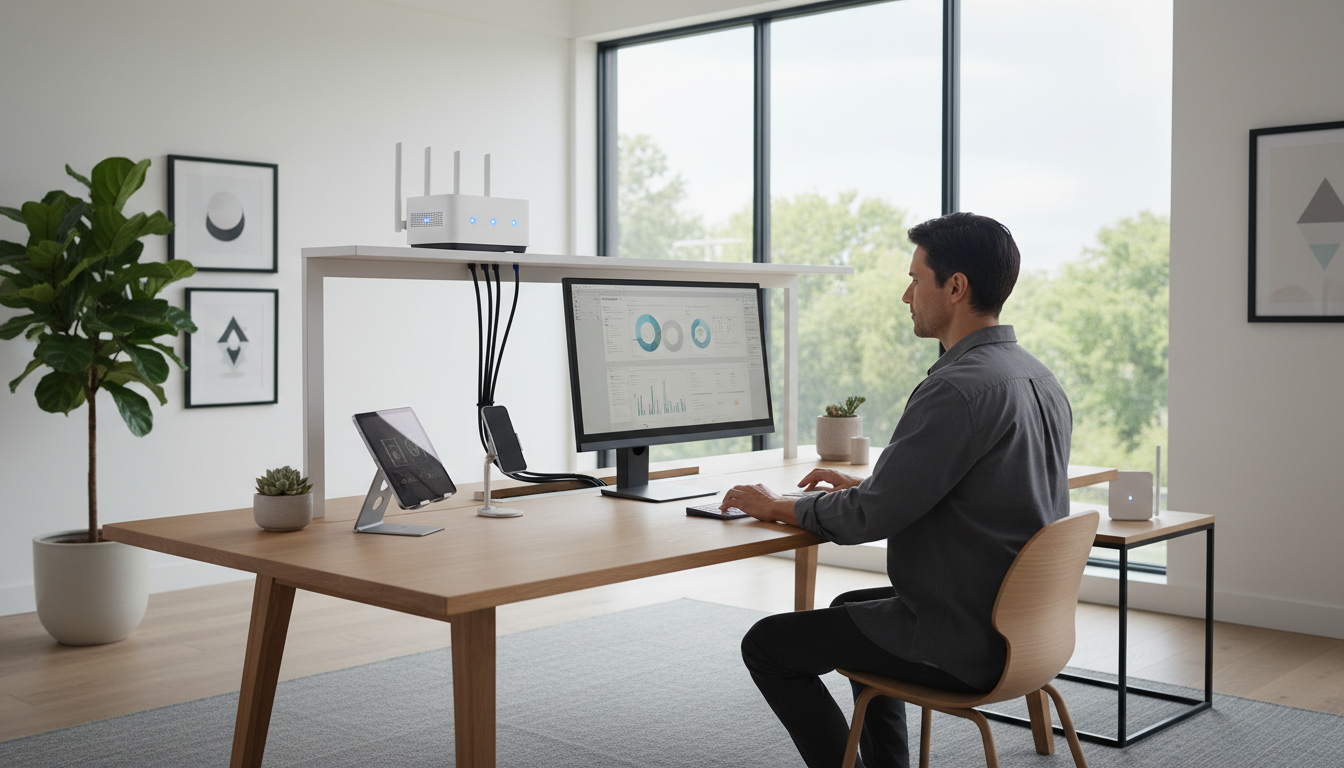
Creating an efficient home office network in Auckland requires careful planning. Begin by assessing your workspace and determining your specific needs. Consider the number of devices you need to connect and the type of work you will be doing. This will help you decide on the bandwidth and equipment required.
Choosing the Right Internet Service Provider
A reliable internet connection is the backbone of any home office network. Research different Internet Service Providers (ISPs) available in Auckland. Compare their plans based on speed, reliability, and customer service. Look for packages that offer unlimited data if you plan on using cloud services extensively.
Essential Networking Equipment
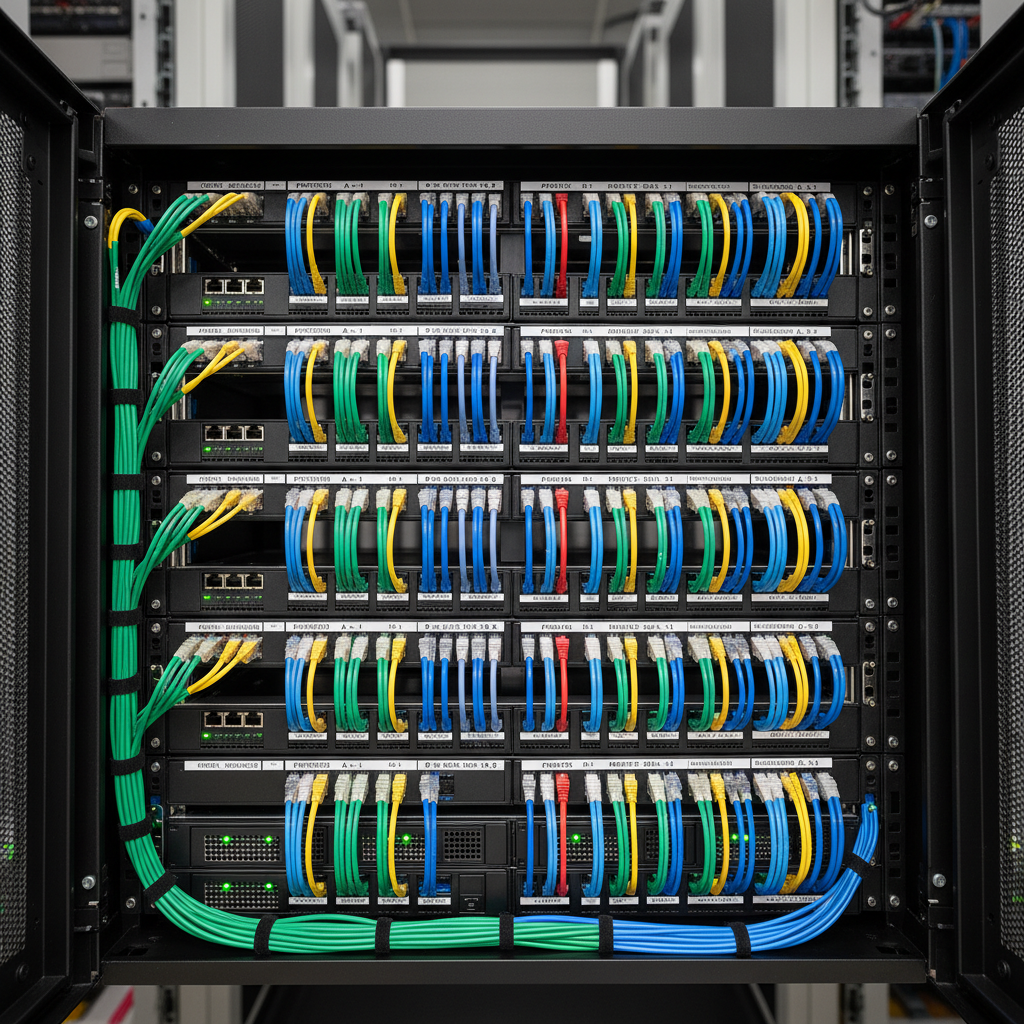
Once you have selected an ISP, it's time to gather the necessary equipment. The key components include a modem, router, and network cables. Opt for a modem that is compatible with your ISP. A dual-band router can be beneficial if you have multiple devices or require higher speeds.
Setting Up Your Router
After acquiring your equipment, set up your router. Position it centrally in your home office to ensure optimal Wi-Fi coverage. Follow the manufacturer's instructions to connect the modem to the router. Secure your network by setting a strong password and enabling WPA3 encryption if supported.
Network Configuration
Proper network configuration is crucial for seamless connectivity. Assign static IP addresses to your critical devices for consistent performance. Configure your router settings to prioritize work-related traffic, ensuring your video calls and file uploads are smooth.
Ensuring Network Security
Security should be a top priority when setting up your home office network. Regularly update your router's firmware to protect against vulnerabilities. Consider setting up a guest network for visitors to keep your main network secure. Use VPNs for an additional layer of protection, especially when accessing sensitive information.
Optimizing Connectivity
To enhance connectivity, position your router away from walls and electronic devices that may cause interference. If your home office is large, consider using Wi-Fi extenders or mesh networks to eliminate dead zones and ensure consistent coverage.

Testing and Troubleshooting
Once everything is set up, test your network to ensure all devices are connected and functioning properly. Use online tools to check your internet speed and troubleshoot any connectivity issues. Regularly monitor your network's performance and address any problems promptly.
Maintaining Your Network
Regular maintenance will keep your network running smoothly. Schedule periodic checks to update firmware, change passwords, and clean equipment. Keeping your network in top shape ensures that your home office remains productive and efficient.