
Step-by-Step: Fixing Wi-Fi Connectivity Issues in Auckland Homes


Experiencing Wi-Fi connectivity issues in your Auckland home can be incredibly frustrating, especially when you're trying to work, stream, or connect with loved ones. Luckily, most problems can be resolved with some simple troubleshooting steps. In this guide, we'll walk you through fixing common Wi-Fi issues.
Check Your Internet Connection
Before diving into Wi-Fi settings, ensure your internet connection is active. Check if your modem is working correctly by seeing if the lights are on and functioning as expected. You can also connect a device directly to the modem with an Ethernet cable to verify the connection.
Restart Your Devices
One of the simplest solutions is to restart your modem and router. Unplug both devices, wait about 30 seconds, and then plug them back in. This process can resolve temporary glitches and refresh your network.
Optimize Router Placement
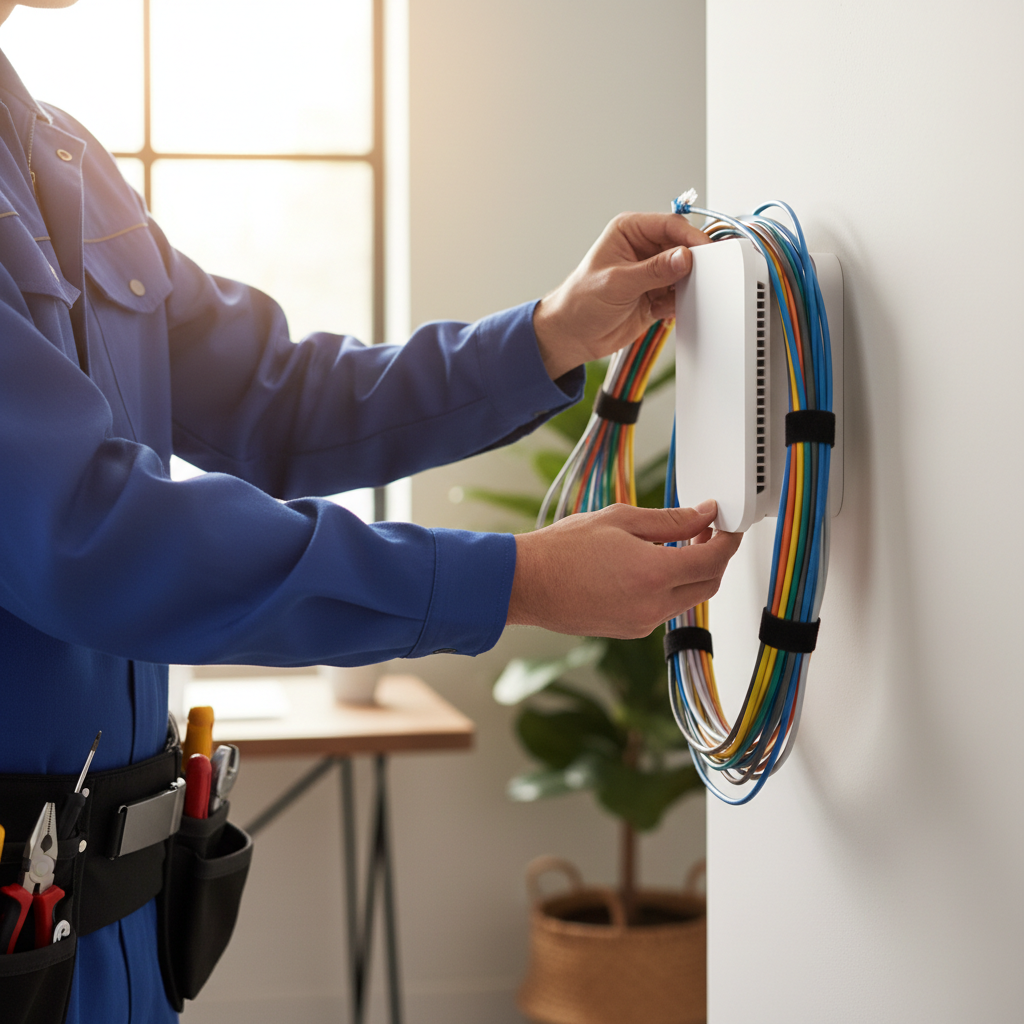
The location of your router can significantly impact the Wi-Fi signal throughout your home. Place your router in a central location, away from walls and obstructions, to ensure even coverage. Avoid placing it near metal objects or appliances that might cause interference.
Adjust Antennas
If your router has external antennas, adjust them to optimize the signal. Pointing one vertically and another horizontally can help cover more area, improving connectivity throughout your home.
Update Firmware and Drivers
Outdated firmware and drivers can cause connectivity issues. Check your router manufacturer's website for firmware updates. Additionally, ensure that your devices have the latest Wi-Fi drivers installed. Keeping software up to date can enhance performance and security.
Secure Your Network
A secure network helps prevent unauthorized access, which can slow down your connection. Ensure your Wi-Fi network is password-protected using WPA3 or WPA2 encryption. Regularly updating your password can also help maintain security.
Reduce Interference
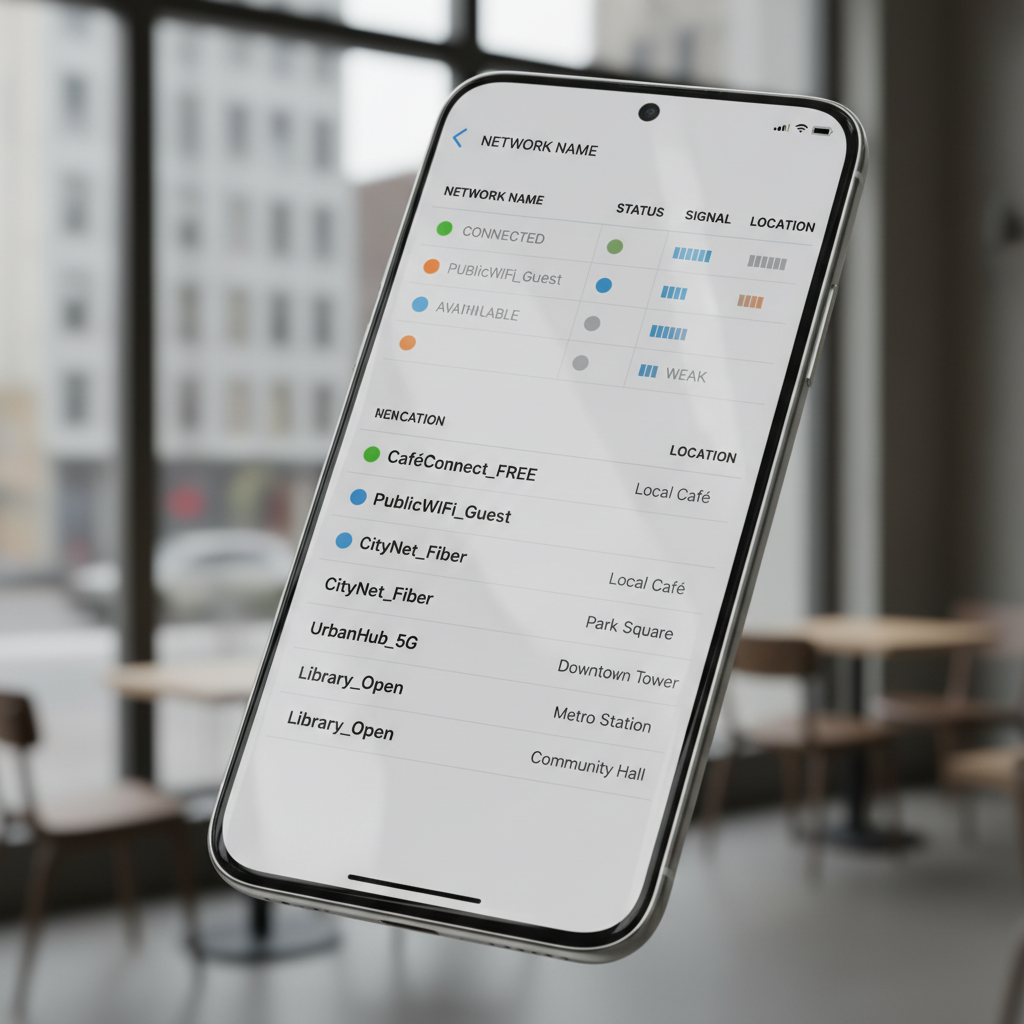
Electronic devices like microwaves, cordless phones, and Bluetooth gadgets can interfere with your Wi-Fi signal. Try to minimize the use of these devices when using Wi-Fi, or switch to the 5GHz band if your router supports dual-band connectivity.
Use a Wi-Fi Extender
If your home has areas with weak signals, consider using a Wi-Fi extender. These devices can boost the range of your existing network, ensuring better coverage in hard-to-reach spots.

Contact Your Internet Service Provider
If you've tried all the steps and are still experiencing issues, it might be time to contact your Internet Service Provider (ISP). They can check for outages, offer additional troubleshooting, or suggest upgrading your plan or equipment for better performance.
By following these steps, you can improve your Wi-Fi connectivity and enjoy a smoother internet experience in your Auckland home. Regular maintenance and updates will ensure that your network remains reliable and efficient.