
Preparing for the Holiday Season: Essential Tech Maintenance Tips for Aucklanders


As the holiday season approaches, ensuring your tech devices are in top condition is crucial for a stress-free festive period. For Aucklanders, this means getting ahead of potential tech issues before they become major headaches. Here are some essential tech maintenance tips to help you prepare.
Check Your Internet Connection
The backbone of our digital lives, a reliable internet connection is essential, especially during the holidays when the demand spikes. Start by testing your connection speed using online tools. If the results are less than satisfactory, consider contacting your service provider for an upgrade or troubleshooting advice.
Additionally, ensure your Wi-Fi router is placed in a central location to maximize coverage. This simple adjustment can significantly improve your home’s connectivity, making streaming and video calls seamless.

Update Software and Apps
Software updates are often overlooked, yet they are vital for security and performance. Ensure your operating systems, applications, and antivirus software are up to date. These updates not only introduce new features but also fix security vulnerabilities that could be exploited during the busy holiday season.
Set your devices to update automatically where possible. This way, you’ll always have the latest security patches without lifting a finger.
Backup Your Data
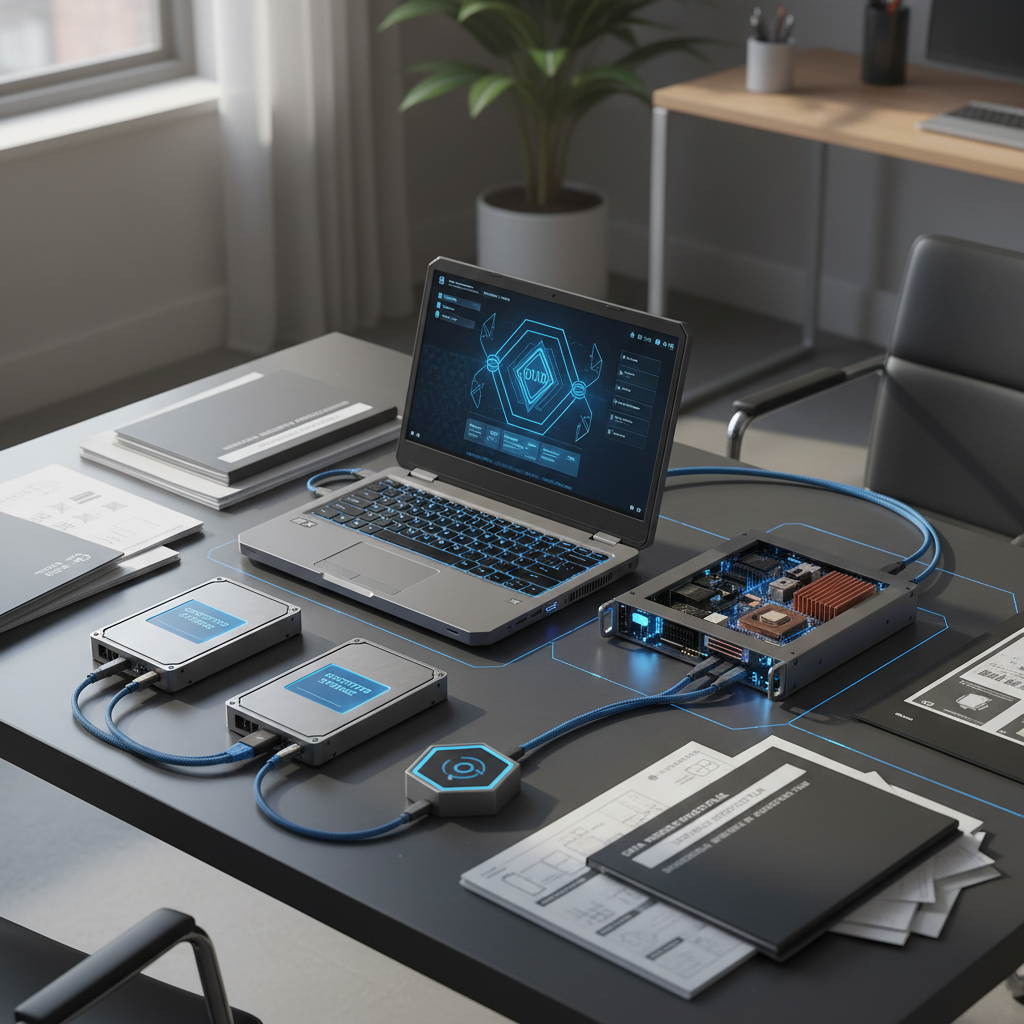
The holidays are a time for making memories, so losing precious photos or important files would be a disaster. Regular backups are crucial. Use cloud services like Google Drive or Dropbox for automatic backups, ensuring your data is safe and accessible from anywhere.
For more robust protection, consider setting up a local backup on an external hard drive. This additional layer of security will safeguard your files even if you experience internet issues during the holidays.
Clean and Organize Your Devices
A cluttered device is often slow and frustrating to use. Take some time to delete unused apps and files, and organize your folders to enhance productivity. This maintenance will not only boost your device’s speed but also make it easier to find what you need quickly.
Physically clean your devices as well. Dust and dirt can accumulate, causing overheating and other hardware issues. Use a microfiber cloth and appropriate cleaning solutions to keep your gadgets in pristine condition.
Inspect and Update Hardware
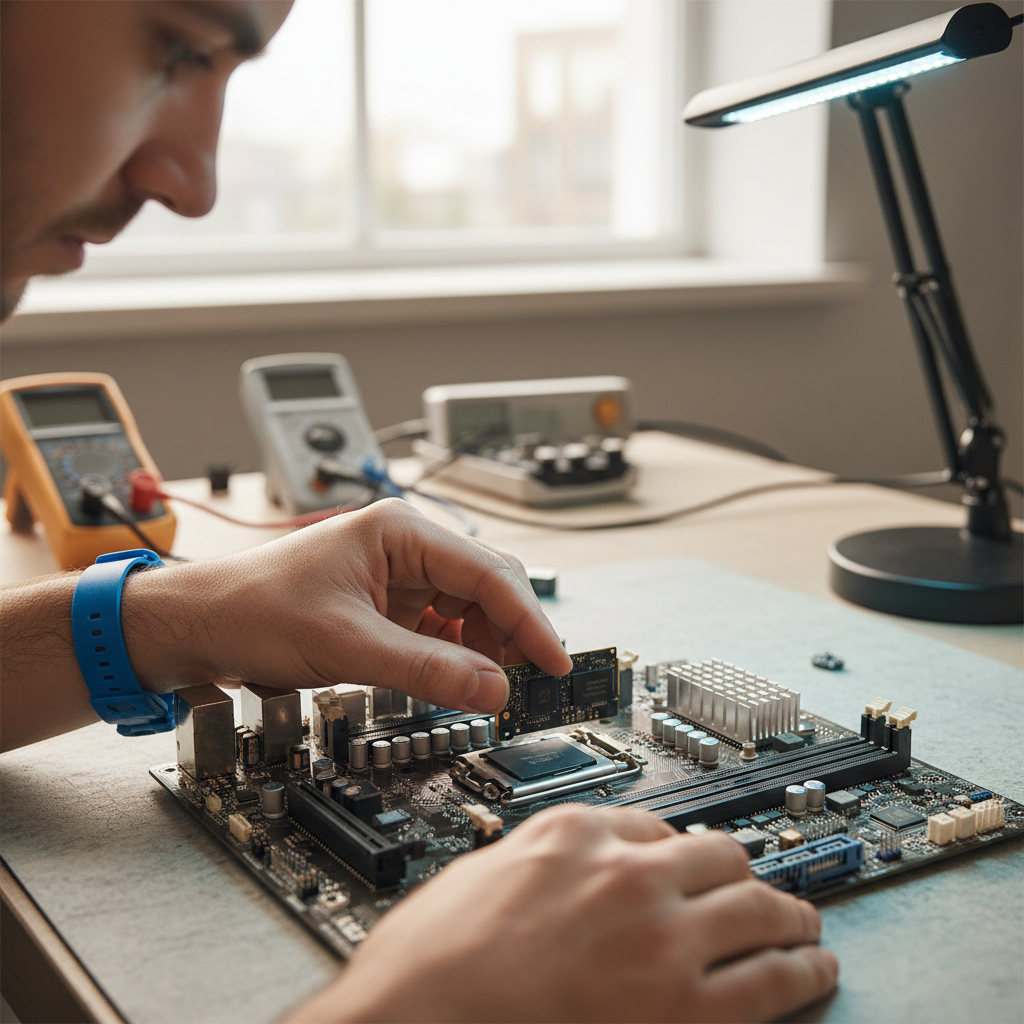
Before the holiday rush, check your hardware for any issues. Inspect cables for wear and tear and replace any that are damaged. If your devices are running slow, consider upgrading components such as RAM or investing in a solid-state drive for older computers.
For mobile devices, ensure your battery health is optimal. If your phone or tablet struggles to hold a charge, it might be time for a battery replacement.
Secure Your Devices
With increased online activity during the holidays, securing your devices is more important than ever. Use strong, unique passwords for all accounts and enable two-factor authentication wherever possible. This extra layer of security can protect you from potential cyber threats.
Consider using a VPN to encrypt your internet connection, especially if you’re accessing public Wi-Fi networks. This precaution helps safeguard your personal information from prying eyes.
By following these essential tech maintenance tips, Aucklanders can enjoy a smoother, more secure holiday season. Preparing your devices now will allow you to focus on what truly matters: celebrating with loved ones.