
DIY Troubleshooting: Fixing Common Tech Issues in Auckland


Identifying Common Tech Issues
Living in Auckland, you're likely familiar with the occasional tech hiccup. Whether it's a sluggish computer or a spotty Wi-Fi connection, these issues can disrupt your day. Fortunately, many common tech problems are easily fixable with a bit of DIY troubleshooting.
In this post, we'll explore how to tackle typical tech troubles. By following these steps, you can save both time and money, and possibly avoid a trip to the repair shop.

Dealing with Slow Computers
Check for Background Processes
If your computer is running slowly, the first step is to check for unnecessary background processes. These can consume valuable resources, slowing down your machine. Open your task manager and close any applications you don't need running.
Perform Regular Updates
Keeping your software updated is crucial. Updates often include performance improvements and security patches. Make sure your operating system and all applications are up to date.

Improving Wi-Fi Connectivity
Optimize Router Placement
Wi-Fi issues are common, especially in larger homes. Start by placing your router in a central location, free from obstructions. This can help ensure a strong, consistent signal throughout your home.
Change Wi-Fi Channels
Interference from other networks can slow down your connection. Access your router's settings and try changing the Wi-Fi channel to one that's less congested.

Troubleshooting Printer Problems
Check Connections
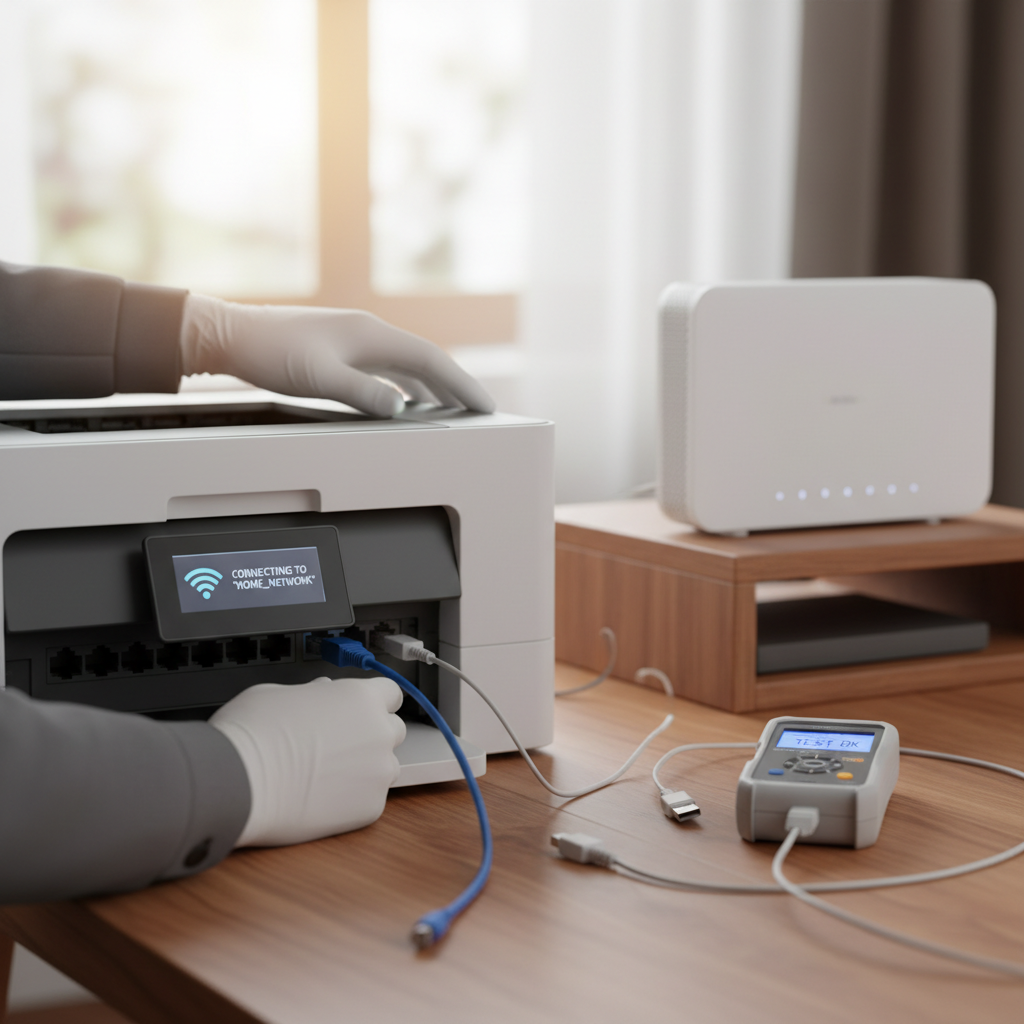
Printers can be notoriously finicky. Always start by checking the connections, ensuring that your printer is properly connected to your computer or network. A loose cable is often the culprit.
Update Printer Drivers
Outdated drivers can cause printing issues. Visit the manufacturer's website to download and install the latest drivers for your printer model.
Addressing Smartphone Glitches
Restart Your Device
Sometimes, a simple restart can resolve smartphone glitches. It clears temporary files and refreshes the operating system, often solving minor issues.
Free Up Storage Space
Low storage space can lead to performance issues. Delete unnecessary apps, photos, and files to free up space on your device.

Conclusion
By following these DIY troubleshooting tips, you can effectively tackle many common tech issues encountered in Auckland. Not only will you enhance your tech skills, but you'll also gain a sense of accomplishment in resolving problems independently. Remember, a little prevention goes a long way, so keep your devices updated and regularly maintained.